




User Interviews: How to conduct user interviews that reveal real insights
Afif Farheen
14 Aug 2026
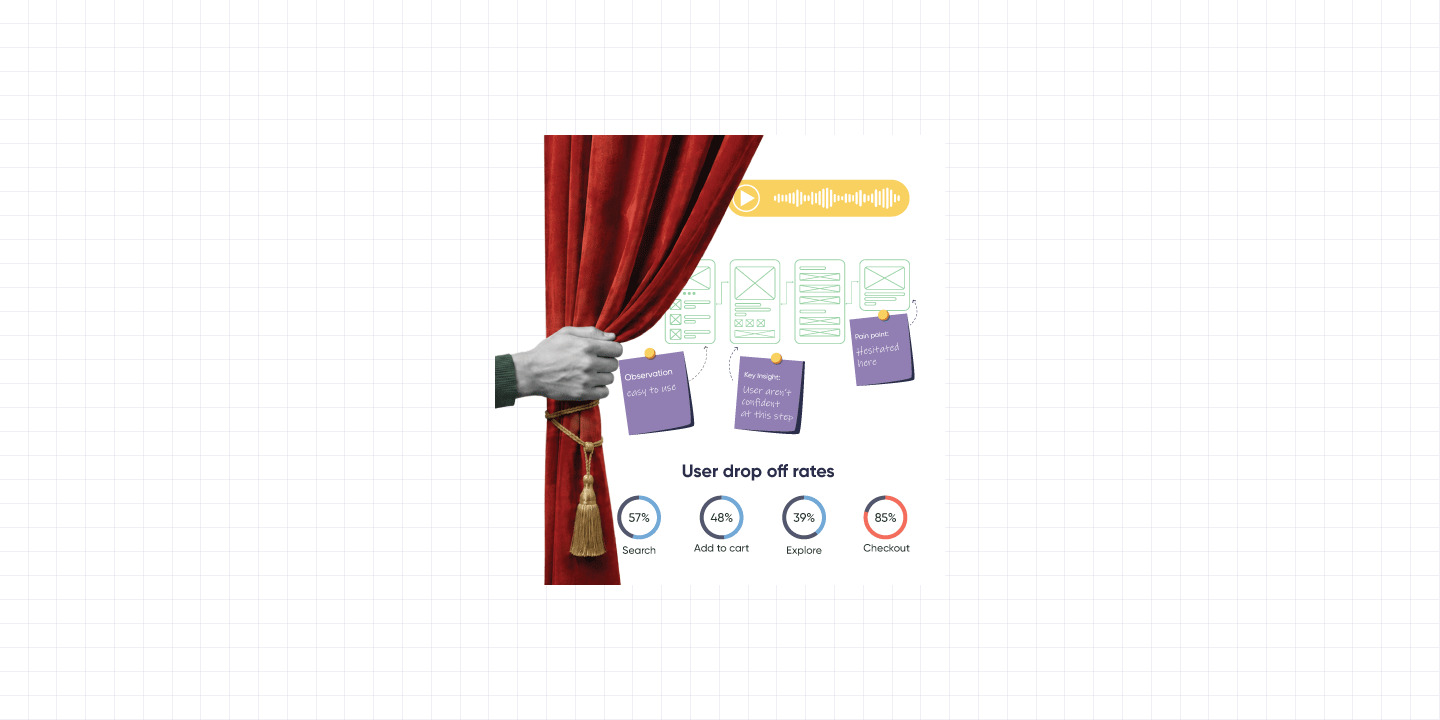
Ask someone "would you use this feature?" and they'll say yes. They're being nice, imagining a better version of themselves, one who reads onboarding messages and never abandons a cart.
That version doesn't exist. The real user does, and the real user is who you're designing for. Understanding the gap between what people say they'll do and what they actually do is the core of behavioral vs. attitudinal research.
User interviews are the fastest way to meet that real user, if you run them right. Done wrong, they're an expensive way to collect opinions that feel like data. Done right, this approach to qualitative user research hands you the "why" behind every drop-off, rage-click, and "meh, it's fine" review.
Here's how to conduct user interviews that yield actionable data.
1. Start with a question you can actually answer
"Understand our users better" is not a UX research goal. It's a wish.
Before you plan your user interview questions, get specific. Instead of "why don't people buy our product," try "why do people choose our competitor for their first purchase." That's a question you can actually answer, and act on. Get this part fuzzy, and every step of your ux research after it goes fuzzy too.
2. Trust what they do, not just what they say
Someone will tell you the app is "smooth" while quietly taking three extra taps to get where they're going, because they never found the shortcut and assumed that's just how it works. That's behavioral vs. attitudinal research in practice and when the two disagree, back the actions. People can genuinely believe they love a flow and still be fumbling through it; they just don't have the awareness in the moment to describe the fumbling.
Watch the screen as closely as you listen to the voice. What they click, where they hesitate, where they backtrack, that's data too, sometimes better than the conversation that follows it.
3. Ask about yesterday, not someday
This is the one rule that separates a real interview from a glorified guessing game.
- Don't ask: "Would you use a feature that auto-saves your drafts?"
- Ask instead: "Tell me about the last time you lost work you hadn't saved."
The first invites a hypothetical hero. The second gets you the actual Tuesday afternoon it happened. Specific, textured and genuine. Two more habits to follow:
- Don't lead the witness. Avoid leading questions in interviews like "Don't you think this checkout flow is cluttered?" Try "Walk me through how you'd check out here" instead.
- Stay loose, not scripted. If someone says "I hate this," ask "what do you mean by that?" That one follow-up cracks open more deep user research insights than any question guide will.
4. Prepare, but don't perform it
Know the subject before you walk in, even the technical bits, that's homework for the night before. If something stumps you anyway, say so and ask them to explain it; users respect that more than a researcher pretending to follow along.
Just don't let the prep sound rehearsed. If a participant senses you're already queuing your next question mid-sentence, they shut down a little. The best interviews feel like someone thinking out loud to a curious listener, not answering a checklist.
5. Read the room differently, in person vs. remote
A video call and a living-room conversation aren't the same interview in different outfits. On a call, trust has to be earned fast with less to work with. A stranger's name and a logo isn't much. In person, you get that trust upfront, plus what a webcam can't give you: posture, hesitation, the face someone makes right before "yeah, it's fine" in a tone that means it's absolutely not fine.
6. Get comfortable with the awkward pause
New researchers rush to fill the silence. Don't. That three-second gap after someone finishes talking is often when the real answer shows up.
- Ask permission before recording, always. It builds trust fast.
- Start easy before the pain points.
- Stay neutral, even when they roast your product. Understand the confusion; defend the design later, in the debrief.
- Watch the age gap. If someone gets confused about something you already understand, don't let it show, nobody opens up to someone making them feel slow, and their confusion usually points to a real usability problem.
Be less interviewer, more curious, friend taking notes.
7. Keep the synthesis with the person who ran the interview
Your post-interview workflow is where ux research synthesis actually happens. Block 30 minutes right after each call to clean up notes and flag anything surprising. Once you've run a handful, get the raw quotes onto a shared board and start affinity mapping user research i.e grouping identical pain points, coding qualitative data, until a clear thematic analysis ux emerges.
One rule worth protecting here: whoever ran the interview should preferably write it up and not a teammate reading the transcript later, not an AI summary. So much of what makes an interview useful never makes the transcript: the pause before an answer, the tone that didn't match the words. Hand it off, and it flattens back into just words on a page; the exact trap Point 2 warned you about.
8. Build a repeatable process
At Lemon Yellow, this starts with the client sharing user personas, segmented by demographics and usage. A team reaches out and, where it makes sense, visits them rather than defaulting to a call. Random interviews get you a few nice quotes. A deliberate process gets you patterns you can actually design against.
The Takeaway
Good user interviews aren't about asking smart questions. They're about watching as much as listening, staying honest instead of scripted, and getting out of the way. Trust what people do over what they say. Let the silence sit. Keep the synthesis with the person who was in the room.
Do that, and you won't just hear what your users think. You'll understand what they actually do which, it turns out, is the whole point
Sharing is caring